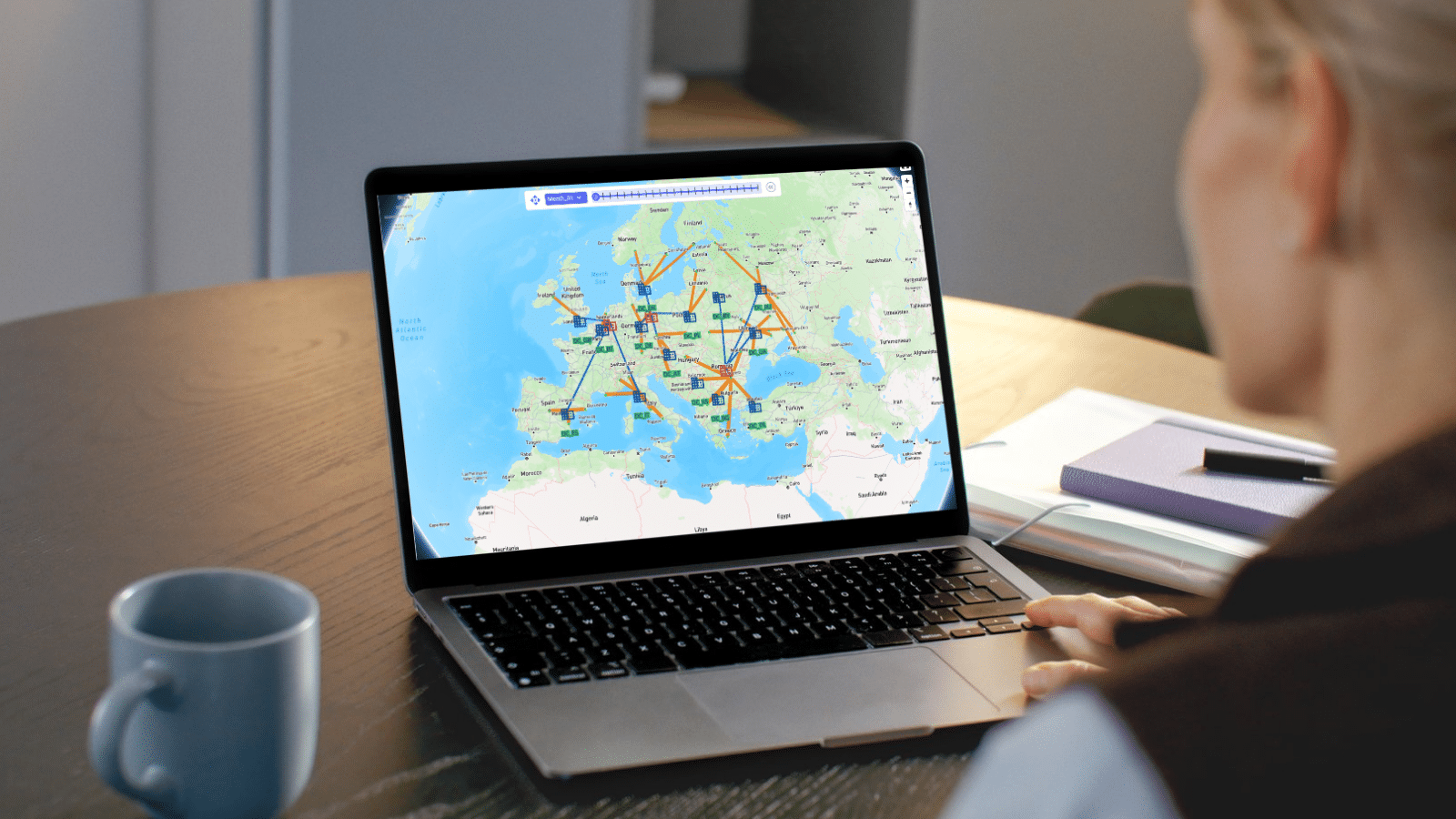
Optilogic Training Courses teach teams to model, analyze, and optimize supply chains with confidence. Learn Cosmic Frog and DataStar through expert-led, hands-on sessions that deliver faster insights, stronger decisions, and measurable ROI.



Explore Optilogic’s on-demand training library, curated to help you learn exactly what you need, when you need it. Access everything at your fingertips and move through each module at your own pace.
This episode shows you how to get comfortable working with data inside the Cosmic Frog interface. You’ll learn how to clean up your tables, filter columns by engine type, hide what you don’t need, and pin what you do — turning overwhelming spreadsheets into focused, usable views.
This chapter walks through a practical, real-world loop: export a demand table to Excel/CSV, make changes, then import it back. You’ll see the two import paths in action—Replace (wipe and reload) and Upsert (update existing rows, insert new ones)—and how Cosmic Frog keeps you honest with Model Activity cards, record counts, and clear success checks. By the end, you’ll know exactly when to use each method, how to avoid accidental data loss, and how primary keys decide what gets updated vs. created.
This episode dives into geocoding and distance calculations, the backbone of accurate supply chain modeling. You’ll see how to turn raw addresses into latitude/longitude points, verify them visually, and switch between providers like Mapbox, Bing, or Azure with a single key. From there, the video shows how Cosmic Frog calculates road distances and transit times, either from your own data or through automated lookups powered by external APIs. The best part? You’ll discover how flexible the platform is.
Please try different keywords.
Join Austin Timmer and the Optilogic team for an in-depth look at DataStar—a cloud-native, AI-powered platform that's changing how supply chain teams work with data.
Please try different keywords.
Ready to take your modeling skills to the next level? Join Leapfrog 102 for a hands-on walk-through of the latest AI-powered use cases—designed to help you explore, edit, and optimize like a pro inside Cosmic Frog.
Please try different keywords.
This session will give users and introduction to the Hopper engine. Typical Hopper use cases, differences and synergies with other Optilogic engines, and high level solve approach will be covered. The session will also equip users with the base input information needed for models, as well as types of outputs.
This session examines the inputs for an outbound multi stop routing model within Cosmic Frog. Base elements, pickup and delivery constraints, assets, costs and time considerations will be covered.
This session covers Hopper scenarios that consider tradeoffs between reatining current route configurations and customer segmentation vs. relaxation of these rules.
This session covers Hopper scenarios that considers the impact of adjusting various factors when routing outbound shipments. Considerations include business hours, asset types available, and origin locations for the shipments.
Please try different keywords.
Understand the conceptual elements of simulation modeling, what makes simulation unique as a modeling methodology, and questions that can be addressed with simulation.
Learn the foundational elements of building supply chain simulation models in Cosmic Frog, including Model Elements, Transportation, Sourcing, Production, Inventory, and Demand (Orders).
Step-by-step instruction to be able to confidently run your own simulation model and review outputs.
Please try different keywords.
This chapter tackles one of the most common hurdles in supply chain modeling: infeasibility. You’ll see how Cosmic Frog flags errors when your model can’t satisfy all its constraints, and more importantly, how to track down the root cause. Starting with the validation report, you’ll learn how to spot critical errors, trace them back through sourcing or transportation policies, and fix the issues step by step.
In this session we explore the basic and advanced concepts of Greenfield modeling with Cosmic Frog. We begin with covering typical use cases and minimum data requirements to build and run your first model in Cosmic Frog. We'll demonstrate the more advanced features available, such as costs tradeoffs, solving for set versus optimized location counts, throughput limits, service bands, suppliers and candidate locations.
Please try different keywords.
Using an Optilogic based last-mile digital twin to redesign a UK retail delivery network - Case Study by Sequoia Partnership
Please try different keywords.
Visit our Help Center to explore detailed product guides, troubleshooting tips, and expert insights from the Optilogic community. Whether you’re learning the basics or diving into advanced modeling, you’ll find step-by-step resources to help you get the most out of the Design Intelligence Platform.
Explore all Optilogic resources in one place — from expert-led webinars and thought leadership blogs to customer success stories and product videos.
See how Optilogic combines advanced modeling, risk analysis, and expert support to deliver faster decisions and measurable supply chain results.