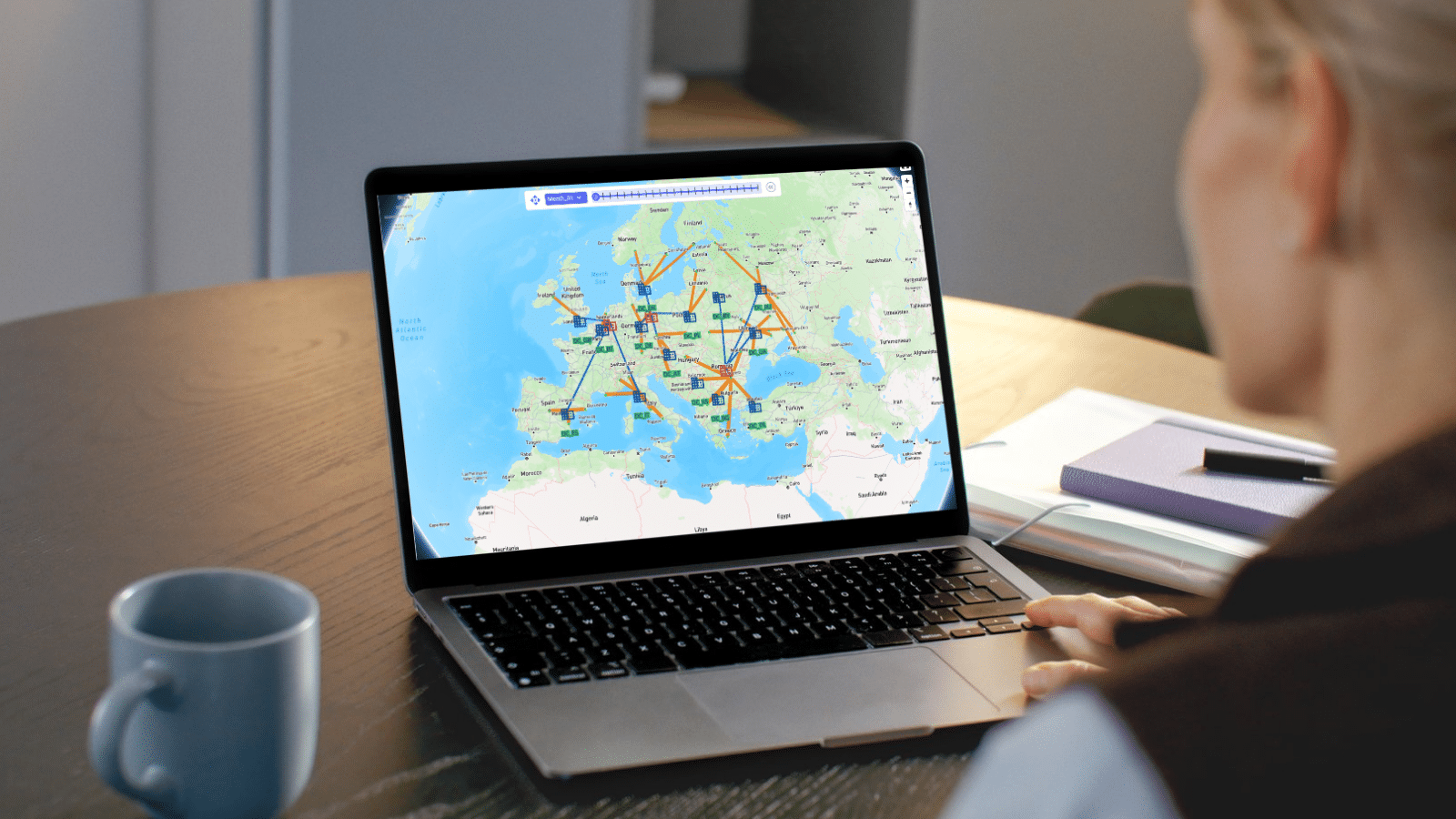
Optilogic Training Courses teach teams to model, analyze, and optimize supply chains with confidence. Learn Cosmic Frog and DataStar through expert-led, hands-on sessions that deliver faster insights, stronger decisions, and measurable ROI.



Explore Optilogic’s on-demand training library, curated to help you learn exactly what you need, when you need it. Access everything at your fingertips and move through each module at your own pace.
In this session, Neeru Bhopal from Optilogic's Product Management team introduces Ada, Optilogic's agentic AI built specifically for supply chain design, and shows what it looks like to go from raw, messy data to a board-ready analysis in a single session instead of twelve weeks.
This is the follow-up session for anyone ready to move past the demo and actually build with Ada. Ryan Purcell, Pranjal Ranjan, and Nicha Sangiampornpanit walk through live, hands-on exercises using a real historic shipments dataset — the same data you can copy into your own account and follow along with.
Please try different keywords.
From high-level strategy tools that reveal where to open your next DC, to detailed simulations that mirror real-world operations, this episode offers a first look at the technology reshaping supply chain design - and the why behind it all. You’ll see how different engines balance scope and detail, and why choosing the right one can mean the difference between runaway costs and breakthrough efficiency.
This episode is your first guided tour of the apps that form the backbone of every modeling project. You’ll discover where to find free demo models to kickstart your work, how to track and learn from your own runs, and even how to collaborate with your team inside the brand-new Teams Hub.
In this episode, Mert from Optilogic walks you through the essentials of creating, managing, and sharing models inside Cosmic Frog. You’ll learn how to spin up a new model from scratch, use resource library templates to get a head start, and organize your growing collection with filters and search
This video answers that by introducing the foundational components that make every Cosmic Frog model work — the locations, products, connections, and rules that form the backbone of your digital supply chain.
Please try different keywords.
Ready to take your modeling skills to the next level? Join Leapfrog 102 for a hands-on walk-through of the latest AI-powered use cases—designed to help you explore, edit, and optimize like a pro inside Cosmic Frog.
Please try different keywords.
This session will give users and introduction to the Hopper engine. Typical Hopper use cases, differences and synergies with other Optilogic engines, and high level solve approach will be covered. The session will also equip users with the base input information needed for models, as well as types of outputs.
This session examines the inputs for an outbound multi stop routing model within Cosmic Frog. Base elements, pickup and delivery constraints, assets, costs and time considerations will be covered.
This session covers Hopper scenarios that consider tradeoffs between reatining current route configurations and customer segmentation vs. relaxation of these rules.
This session covers Hopper scenarios that considers the impact of adjusting various factors when routing outbound shipments. Considerations include business hours, asset types available, and origin locations for the shipments.
Please try different keywords.
Understand the conceptual elements of simulation modeling, what makes simulation unique as a modeling methodology, and questions that can be addressed with simulation.
Learn the foundational elements of building supply chain simulation models in Cosmic Frog, including Model Elements, Transportation, Sourcing, Production, Inventory, and Demand (Orders).
Step-by-step instruction to be able to confidently run your own simulation model and review outputs.
Please try different keywords.
In this session, we introduce the fundamentals of NEO optimization models in Cosmic Frog. You'll learn how NEO evaluates millions of possible supply chain configurations to find the least-cost or most profitable way to meet customer demand while respecting every constraint in your network. Instead of manually analyzing trade-offs, NEO automatically determines the optimal combination of suppliers, manufacturing sites, and distribution centers to fulfill orders.
In this episode, we explore two powerful pre-run validation tools in Cosmic Frog: the Model Assistant and the Integrity Checker. Instead of running your entire model, waiting for results, and then diagnosing issues, you can catch data errors in just minutes before hitting "run." The Model Assistant flags missing essential information—like un-geocoded locations or absent production policies—while the Integrity Checker goes deeper, identifying numeric issues, unit of measure mismatches, master data references that don't exist, and data type conflicts.
In this episode, we dive into scenario building in Cosmic Frog—the heart of network optimization testing. Instead of manually reconfiguring your entire model for each "what if" analysis, you create modular scenario items that make specific changes to your data. Want to test closing a facility? Doubling demand for a customer? Removing flow constraints to see optimal behavior? Just build a scenario item, assign it to a scenario, and run. Each scenario can combine multiple items, letting you stack changes and test complex configurations in minutes.
In this episode, we explore how to analyze your optimization results through Cosmic Frog's output tables. Instead of digging through raw solver logs or exporting data to external tools, you can filter, compare, and aggregate results directly within Cosmic Frog. Want to see total cost savings between your baseline and optimized scenarios? Need granular detail on which facilities are shipping to which customers? And it doesn't stop there. You'll see how to use the job logs and error logs to troubleshoot model runs, validate that scenarios completed successfully, and identify where infeasibilities occur. With Cosmic Frog's output tools, analysts can quickly validate results, pinpoint where savings are generated, and confidently present findings to stakeholders.
Please try different keywords.
Henkel´s Adhesive Technologies business unit will leverage Optilogic’s Cosmic Frog supply chain network optimization and simulation to test future supply chain designs and improve its overall competitive advantage.
Learn how to use Cosmic Frog Sensitivity at Scale: Automatically create hundreds or thousands of sensitivity scenarios and rapidly analyze on Optilogic’s supply chain design platform to select the most resilient designs.
John Ames Jr. has been a proactive advocate for supply chain design, working with Optilogic to emphasize the importance of evaluating cost, service, risk, and sustainability trade-offs of future supply chains.
This episode dives into geocoding and distance calculations, the backbone of accurate supply chain modeling. You’ll see how to turn raw addresses into latitude/longitude points, verify them visually, and switch between providers like Mapbox, Bing, or Azure with a single key. From there, the video shows how Cosmic Frog calculates road distances and transit times, either from your own data or through automated lookups powered by external APIs. The best part? You’ll discover how flexible the platform is.
An increasing number of U.S. companies are evaluating how to move all or part of their supply chain out of China to increase resiliency. Here’s how to model your China supply chain exit strategy to reduce risk and improve service.
Please try different keywords.
Visit our Help Center to explore detailed product guides, troubleshooting tips, and expert insights from the Optilogic community. Whether you’re learning the basics or diving into advanced modeling, you’ll find step-by-step resources to help you get the most out of the Design Intelligence Platform.
Explore all Optilogic resources in one place — from expert-led webinars and thought leadership blogs to customer success stories and product videos.
See how Optilogic combines advanced modeling, risk analysis, and expert support to deliver faster decisions and measurable supply chain results.