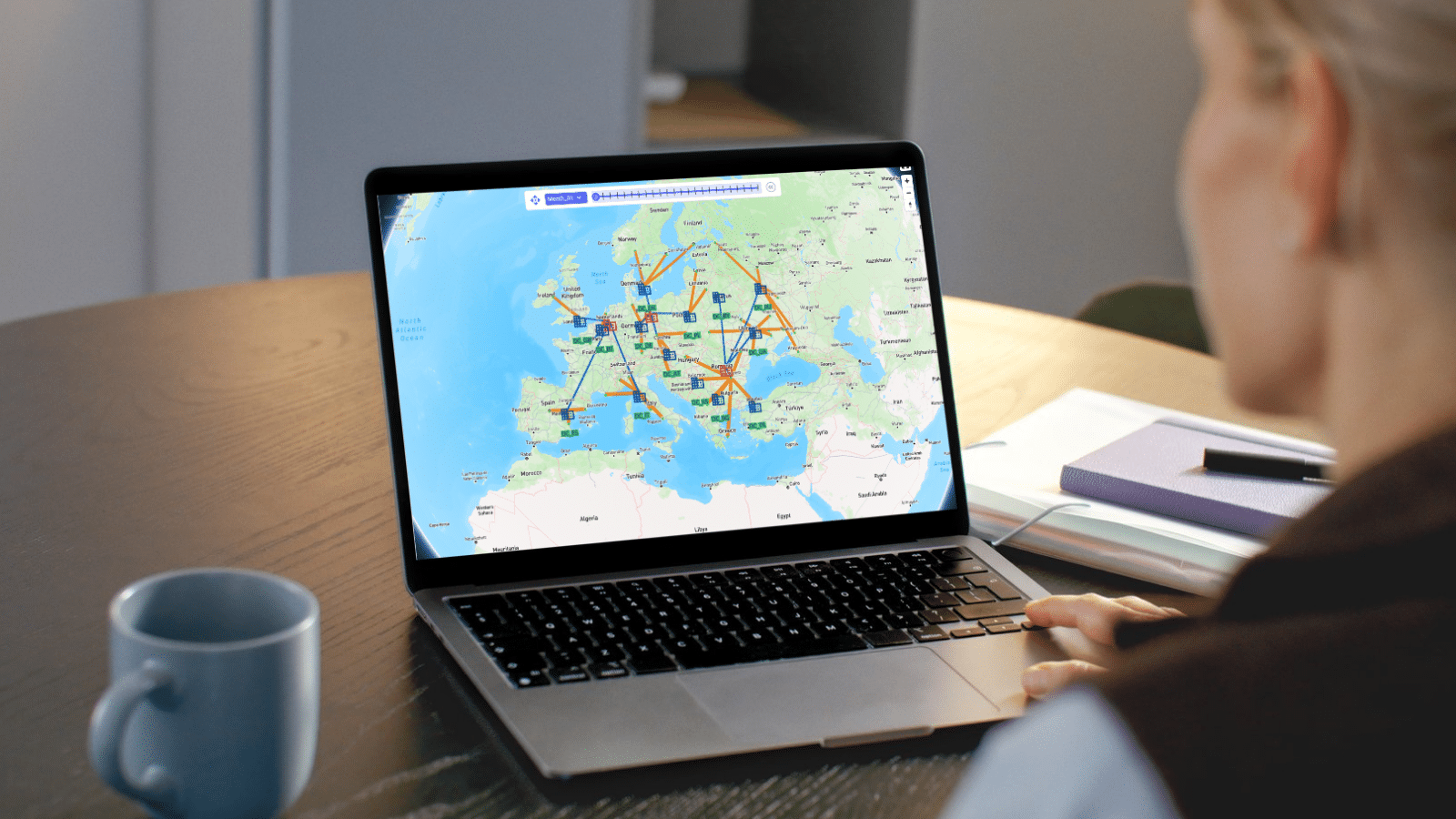
Optilogic Training Courses teach teams to model, analyze, and optimize supply chains with confidence. Learn Cosmic Frog and DataStar through expert-led, hands-on sessions that deliver faster insights, stronger decisions, and measurable ROI.



Explore Optilogic’s on-demand training library, curated to help you learn exactly what you need, when you need it. Access everything at your fingertips and move through each module at your own pace.
In this session, Neeru Bhopal from Optilogic's Product Management team introduces Ada, Optilogic's agentic AI built specifically for supply chain design, and shows what it looks like to go from raw, messy data to a board-ready analysis in a single session instead of twelve weeks.
This is the follow-up session for anyone ready to move past the demo and actually build with Ada. Ryan Purcell, Pranjal Ranjan, and Nicha Sangiampornpanit walk through live, hands-on exercises using a real historic shipments dataset — the same data you can copy into your own account and follow along with.
Please try different keywords.
From high-level strategy tools that reveal where to open your next DC, to detailed simulations that mirror real-world operations, this episode offers a first look at the technology reshaping supply chain design - and the why behind it all. You’ll see how different engines balance scope and detail, and why choosing the right one can mean the difference between runaway costs and breakthrough efficiency.
This episode is your first guided tour of the apps that form the backbone of every modeling project. You’ll discover where to find free demo models to kickstart your work, how to track and learn from your own runs, and even how to collaborate with your team inside the brand-new Teams Hub.
In this episode, Mert from Optilogic walks you through the essentials of creating, managing, and sharing models inside Cosmic Frog. You’ll learn how to spin up a new model from scratch, use resource library templates to get a head start, and organize your growing collection with filters and search
This video answers that by introducing the foundational components that make every Cosmic Frog model work — the locations, products, connections, and rules that form the backbone of your digital supply chain.
Please try different keywords.
Ready to take your modeling skills to the next level? Join Leapfrog 102 for a hands-on walk-through of the latest AI-powered use cases—designed to help you explore, edit, and optimize like a pro inside Cosmic Frog.
Please try different keywords.
This session will give users and introduction to the Hopper engine. Typical Hopper use cases, differences and synergies with other Optilogic engines, and high level solve approach will be covered. The session will also equip users with the base input information needed for models, as well as types of outputs.
This session examines the inputs for an outbound multi stop routing model within Cosmic Frog. Base elements, pickup and delivery constraints, assets, costs and time considerations will be covered.
This session covers Hopper scenarios that consider tradeoffs between reatining current route configurations and customer segmentation vs. relaxation of these rules.
This session covers Hopper scenarios that considers the impact of adjusting various factors when routing outbound shipments. Considerations include business hours, asset types available, and origin locations for the shipments.
Please try different keywords.
Understand the conceptual elements of simulation modeling, what makes simulation unique as a modeling methodology, and questions that can be addressed with simulation.
Learn the foundational elements of building supply chain simulation models in Cosmic Frog, including Model Elements, Transportation, Sourcing, Production, Inventory, and Demand (Orders).
Step-by-step instruction to be able to confidently run your own simulation model and review outputs.
Please try different keywords.
This chapter tackles one of the most common hurdles in supply chain modeling: infeasibility. You’ll see how Cosmic Frog flags errors when your model can’t satisfy all its constraints, and more importantly, how to track down the root cause. Starting with the validation report, you’ll learn how to spot critical errors, trace them back through sourcing or transportation policies, and fix the issues step by step.
In this session we explore the basic and advanced concepts of Greenfield modeling with Cosmic Frog. We begin with covering typical use cases and minimum data requirements to build and run your first model in Cosmic Frog. We'll demonstrate the more advanced features available, such as costs tradeoffs, solving for set versus optimized location counts, throughput limits, service bands, suppliers and candidate locations.
Please try different keywords.
“We’re not just getting answers, we’re discovering better ones.” Nicholas Dodson of Reddy Ice explains how Cosmic Frog’s flexibility empowers better decision-making at every level and how Optilogic’s hands-on support helps turn supply chain modeling into real operational impact.
Discover how a global manufacturer avoided $8 million in tariff-driven costs using Optilogic’s Lumina Tariff Optimizer. Learn how rapid scenario modeling and global supply chain redesign helped unlock real, bottom-line savings.
“A well-designed supply chain drives profitability and customer satisfaction.” Yingying Wang of Bain shares how her team uses Optilogic’s Cosmic Frog to rapidly test scenarios, collaborate in the cloud, and empower non-modelers to run simulations, unlocking speed, flexibility, and smarter decision-making at every level.
“Real-time modeling is no longer a luxury, it’s a competitive edge.” Kerry Rosenhagen of Cobalt Advisors shares why agile supply chain design is critical in today’s volatile market, and how Optilogic’s partner-first approach makes it easy to deliver real impact for his clients.
“When the future’s uncertain, modeling brings clarity.” Kevin Troyer of Miebach explains why scenario planning is essential, and why Optilogic is their trusted partner for delivering reliable, high-quality supply chain solutions to clients.
“Supply chain touches everything. Design lets you see it clearly.” Arturo Villarreal of NTT Data explains how tools like Cosmic Frog help cut through complexity, accelerate problem-solving, and democratize access to powerful cloud-based solutions, all while partnering with people who genuinely seek the best answers.
Please try different keywords.
Visit our Help Center to explore detailed product guides, troubleshooting tips, and expert insights from the Optilogic community. Whether you’re learning the basics or diving into advanced modeling, you’ll find step-by-step resources to help you get the most out of the Design Intelligence Platform.
Explore all Optilogic resources in one place — from expert-led webinars and thought leadership blogs to customer success stories and product videos.
See how Optilogic combines advanced modeling, risk analysis, and expert support to deliver faster decisions and measurable supply chain results.